
Some workflows fail loudly. The draft is wrong, the client notices, and you fix it before anyone gets hurt.
This is the story of a workflow that failed quietly. It looked smart. It produced good output. It saved me time. And then I tried to hand it to a team member, and it fell apart in a way that took three weeks to understand.
The workflow: an AI-assisted client onboarding sequence. The goal was to take a signed proposal and produce the kickoff materials — the welcome email, the project plan, the intake questions, the first meeting agenda — from one intake document and one WorkBuddy project.
On paper, it was exactly the kind of workflow a small consultancy should automate. It was repetitive, it followed a predictable shape, and it ate hours of the owner's time.
In practice, it failed the handoff test. Not because the AI was bad. Because the workflow depended on judgment I had never written down.
This is what happened, why it looked smart, and what I changed.
The demo is not the work. The handoff is where the work either becomes a system or stays a personal habit.
The workflow that looked smart
The setup was clean.
Inside one WorkBuddy project per new client:
Onboarding Intake — the signed proposal, the client context, the key contacts, and the scope notes.
Kickoff Materials — the welcome email, the project plan, the intake questions, and the first meeting agenda, all generated from the intake.
Open Questions Log — the assumptions and ambiguities that needed client confirmation before kickoff.
The chat was used to generate the four materials from the intake. The template was detailed. The output was good. The first three onboardings went smoothly, and I started to believe I had built a real system.
That belief lasted until I asked a team member to run it.
The first sign of trouble
The team member ran the workflow on a new client and produced a set of kickoff materials that looked correct.
They were not.
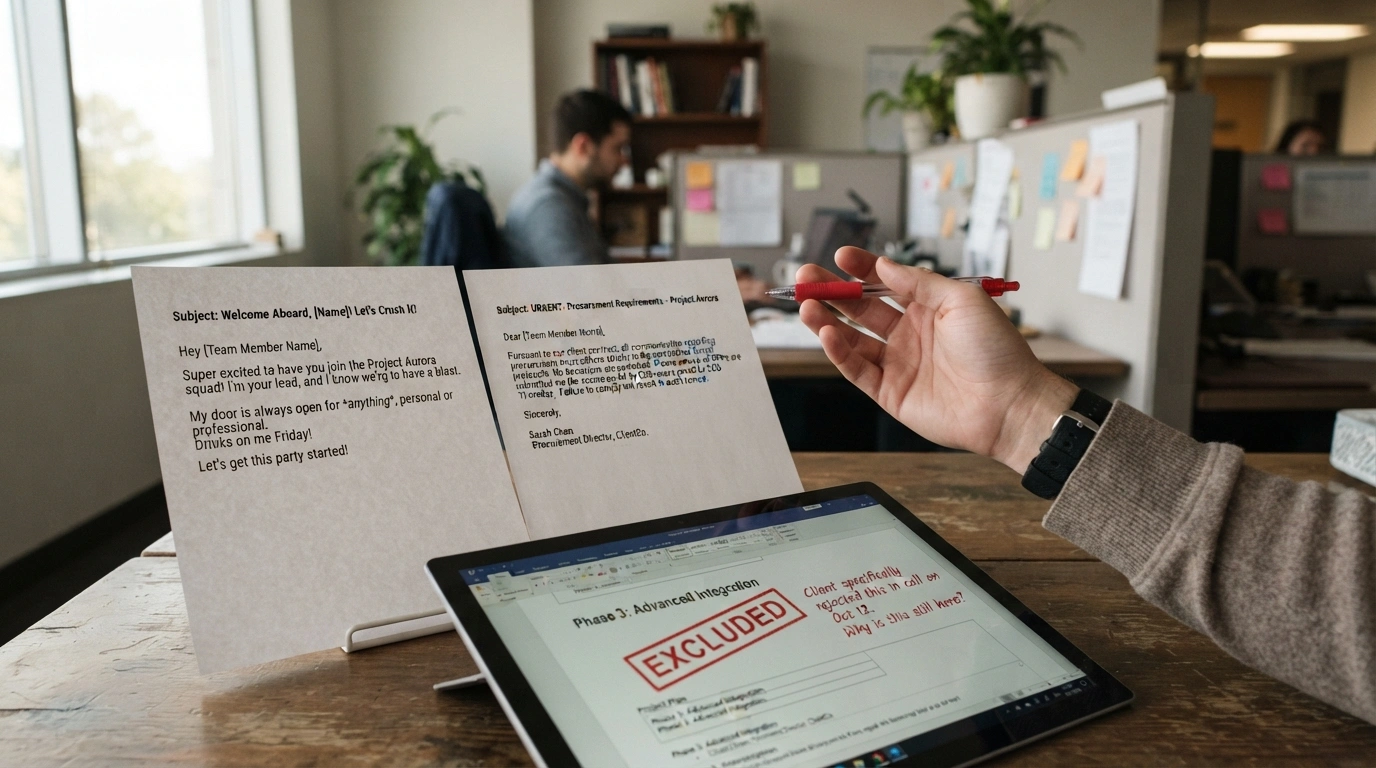
The welcome email was warm and slightly too familiar for a client who had come through a formal procurement process. The project plan included a phase the client had explicitly excluded in the proposal. The intake questions asked for information the client had already provided in the signed scope. The first meeting agenda allocated time to a decision the client had already made.
None of these errors were obvious in the document. Each one was plausible. Each one would have created an awkward moment at kickoff.
The team member did not catch them because the team member did not know what to look for. The judgment that caught those errors lived in my head, and I had never written it down.
Why the workflow failed the handoff test
The handoff test asks a simple question: can another team member run this workflow and produce a usable output without asking the owner?
This workflow failed for four reasons, and each one is a common pattern in AI-assisted workflows.
Reason 1: The judgment was invisible
When I ran the workflow, I read the output with a set of questions in my head. Does this tone match the client's procurement process? Does this plan match the proposal exactly? Have we already asked for this information? Is this decision already made?
I did not write those questions down. I did not need to, because I was the one reading the output. The team member had no way to know which questions mattered, so they read the output for surface quality and missed the judgment errors.
The AI was not the problem. The missing checklist was the problem.
Reason 2: The intake document was incomplete
The intake document captured the proposal, the context, and the scope notes. It did not capture the client's procurement process, the decisions already made, or the information already provided.
I knew those things because I had been in the sales conversation. The team member did not, because the intake did not include them. The AI filled the gaps with plausible assumptions, and the team member had no way to know which assumptions were wrong.
The lesson: an intake document is only as good as the context it captures. If the context lives in the owner's memory, the workflow will fail the handoff test every time.
Reason 3: The template was optimized for output, not for review
The template was designed to produce good kickoff materials. It was not designed to make the review easy.
The output was four separate documents with no review guide. The team member had to read all four and decide, from scratch, what to check. A review guide would have told them: check the tone against the procurement process, check the plan against the proposal, check the intake questions against the information already provided, check the agenda against the decisions already made.
Without the guide, the review was a vibe check. Vibe checks miss judgment errors.
Reason 4: The workflow had no fallback
When the team member was unsure, they had two options: ask me, or send the materials as they were. Asking me defeated the purpose of the handoff. Sending the materials risked an awkward kickoff.
A fallback would have solved this. A simple rule — "if the client came through a formal procurement process, or if any decision was made before the proposal was signed, route the draft to the owner for review" — would have caught the errors before they reached the client.
What the cleanup tax looked like
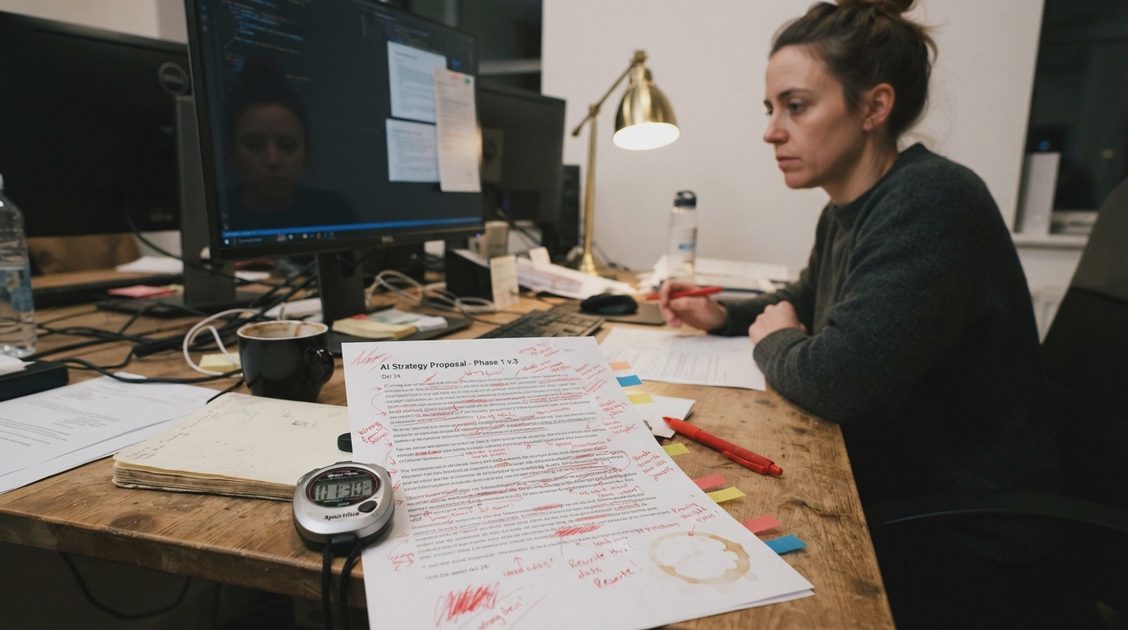
I measured this workflow across the first three repetitions, before the handoff attempt, and I thought it was a clear win.
Repetition 1: 14 minutes to generate, 12 minutes to clean up. Net win.
Repetition 2: 13 minutes to generate, 11 minutes to clean up. Net win.
Repetition 3: 13 minutes to generate, 10 minutes to clean up. Net win.
The numbers looked good because I was the one doing the cleanup. My cleanup time was low because the judgment was fast for me. I was not cleaning up the document. I was applying judgment I had not written down.
When the team member ran the workflow, the cleanup time was not the issue. The issue was that the judgment errors were not caught at all. The cleanup tax was invisible because the cleanup was happening in my head.
That is the most dangerous kind of cleanup tax: the kind that does not show up in the log because the owner is absorbing it.
What I changed
The fix was not a better prompt. It was four changes to the workflow design.
Change 1: A review checklist in the template
I added a review checklist to the Kickoff Materials document. It has four questions:
Does the tone match the client's procurement process?
Does the project plan match the signed proposal exactly?
Have we already asked for this information, or made this decision?
Is there anything in the intake that the AI might have misinterpreted?
The checklist turned the review from a vibe check into a structured check. The team member now knows what to look for.
Change 2: A more complete intake document
I added three fields to the Onboarding Intake:
Procurement process — how the client buys, and what tone they expect.
Decisions already made — what the client has already agreed to, so the AI does not re-open it.
Information already provided — what the client has already told us, so the intake questions do not repeat it.
The intake is now longer. The workflow is now more reliable. That is the trade.
Change 3: A fallback rule
I added a fallback rule to the workflow:
If the client came through a formal procurement process, or if any decision was made before the proposal was signed, route the draft to the owner for review before sending.
The fallback does not automate the judgment. It routes the judgment to the right person.
Change 4: A handoff test in week one
I now run the handoff test in week one, not week four. A team member runs the workflow on a real client, and I watch where they hesitate. The hesitation is the design note. The first version of this workflow would have failed the test in week one, which would have saved three weeks of quiet errors.
Did it pass the handoff test after the changes?
Yes, conditionally.
A team member can now run the workflow for clients who came through a standard sales process, with the review checklist and the more complete intake. For clients who came through a formal procurement process, or where decisions were made before the proposal was signed, the workflow routes to the owner.
That is the honest result. The workflow is a system for the routine case and a routing rule for the sensitive case. It is not a system for everything.
What this taught me about handoff tests
The handoff test is not a test of the AI. It is a test of the workflow design.
A workflow that only the owner can run is not a system. It is a personal habit with better branding. The habit can be useful. It can save time. It can produce good output. But it cannot be handed off, which means it cannot scale, and it cannot survive the owner being busy.
The four changes that made this workflow pass the handoff test are the same four changes that make most AI workflows pass:
Write the judgment down as a checklist.
Capture the context in the intake, not in the owner's memory.
Add a fallback rule for the cases the workflow should not handle.
Run the handoff test early, before the workflow becomes a habit.
None of these are AI features. They are workflow design decisions. That is the point.
The Friday Test
Does this workflow survive a busy, low-patience Friday?
Yes, with the fallback rule. On a Friday, the team member runs the workflow, applies the checklist, and routes the sensitive cases to the owner. The owner does not have to review every draft. The team does not have to guess.
The Friday version is shorter: run the intake, generate the materials, apply the checklist, route the sensitive cases. The owner reviews the routed cases on Monday. That is a system that survives the week.
Estimated time saved or lost
After the changes, the workflow saved roughly 20 minutes per onboarding for the routine case, including cleanup and review. For the sensitive case, it saved less, because the owner still reviews the draft, but it reduced the number of errors that reached the client.
I would not generalize those numbers. They come from one consultancy, one workflow, and a small team. The useful result is the four changes, not the estimate.
For AI tool features, rules and availability, refer to their official sites.

Leave your thoughts here, too.